


In the first part of this series, I shared the exhilarating story of building a travel website in a single weekend using no-code and AI tools. I went from an idea to a live site in under 30 hours, feeling empowered and convinced that the future of web development had arrived. But what happens after the initial victory lap? The second week of my no-code journey taught me a valuable lesson: even with AI, the path isn’t always smooth. This is the story of the bugs, the frustrations, and the unexpected wins that followed.
After the initial launch, I noticed some serious problems. The site was loading slowly, and at times, entire pages were unclickable. The seamless experience I had designed was starting to feel clunky. This kicked off a challenging trial-and-error process with Cursor, my AI coding partner, to diagnose and fix the performance issues. It was a process that often felt like taking one step forward and two steps back.
The Frustration of a Forgetful AI
Working with an AI like Cursor can feel magical, but it also has its quirks. The biggest challenge I encountered was its lack of consistent memory. It felt like I would spend hours working with one AI developer, getting it up to speed on my project’s goals and history, only for the application to crash. When it restarted, I’d be greeted with a new, fresh-faced AI assistant.
The new AI would say something like, “I don’t have access to the previous conversation due to the crash, but I can help you continue!” It was like my lead developer had been replaced by a new hire who had no context for the project. The history was gone, and the new assistant had to start from scratch, analyzing the code to figure out what we were doing.
Sometimes, this led to new and great ideas. Just like with human developers, a fresh set of eyes can spot new opportunities. However, it also meant my site was being built and rebuilt based on the preferences of whichever AI personality was helping me that day. One assistant would have a specific way of coding something, and the next would want to refactor it completely.
Diagnosing the Performance Bottleneck
During one of these sessions with a particularly sharp AI assistant, it quickly identified the root of my site’s slowdown. After analyzing the project, it delivered a clear diagnosis.
The AI found several major performance issues:
Improper Image Handling: The code was using basic
<img>tags instead of the optimized Next.js<Image>component, bypassing crucial performance features.No Lazy Loading: Every image on a page was loading at once, even those far below the fold, drastically slowing down initial page load times.
Unprioritized Hero Images: The main, large images at the top of each page weren’t being prioritized, hurting a key performance metric called Largest Contentful Paint (LCP).
Large Image Sizes: High-resolution desktop images were being served to mobile devices, wasting bandwidth and slowing things down for users on the go.
No Blur Placeholders: The lack of image placeholders was causing content to jump around as images loaded, creating a poor user experience.
The AI immediately got to work fixing these issues, converting the pages to use the proper Next.js image components. For the first time, however, I found myself wishing I could talk to a real engineer just to get a second opinion and a stable path forward.
Two Steps Back: When Fixes Cause More Problems
The process wasn’t always straightforward. At one point, a “fix” implemented by Cursor somehow reverted parts of the site to an older state. I lost days of design work in an instant. Features that were working perfectly suddenly disappeared. Links to hotel pages broke. The lightbox image galleries stopped functioning. Images I had painstakingly uploaded were replaced with incorrect ones. It took me two frustrating hours to get the site back to where it had been the day before, and I still have no idea why it happened.
To make matters worse, I also discovered that when things go technically wrong, you tend to burn through AI credits at an alarming rate. It’s a bit like paying a consultant by the hour to fix a problem they may have inadvertently created.
Another strange issue arose when Cursor informed me I had two GitHub repositories. I had been deploying my site the same way for weeks, and suddenly the process had changed without my knowledge. It was another reminder that while the AI is a powerful assistant, it sometimes makes executive decisions without explaining them.
The Ultimate Win: AI Discoverability in Action
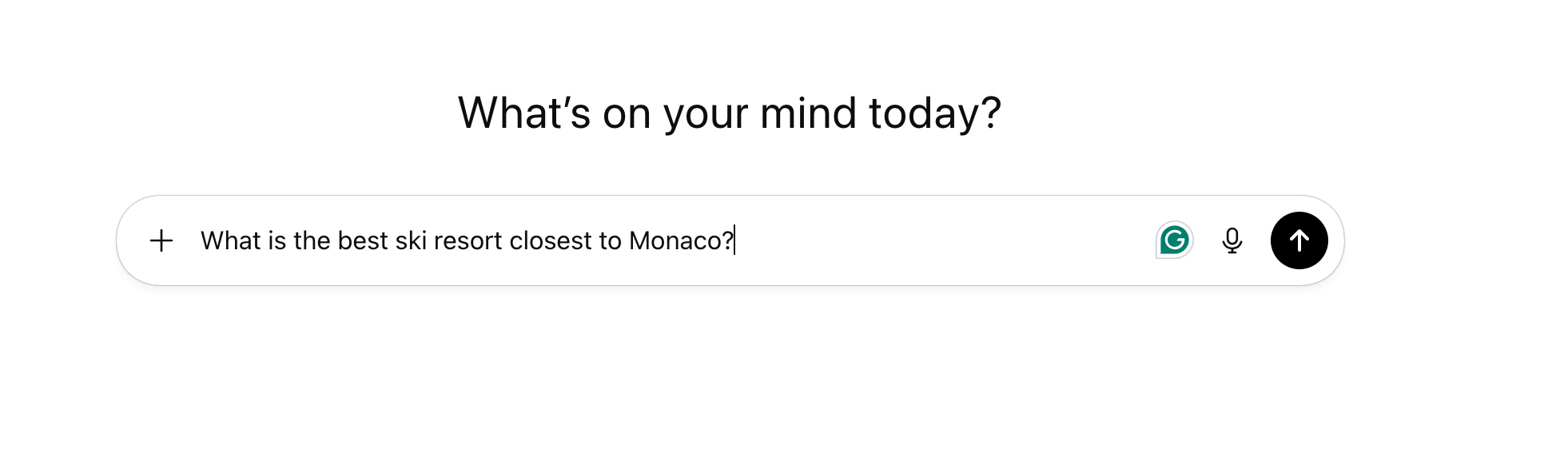
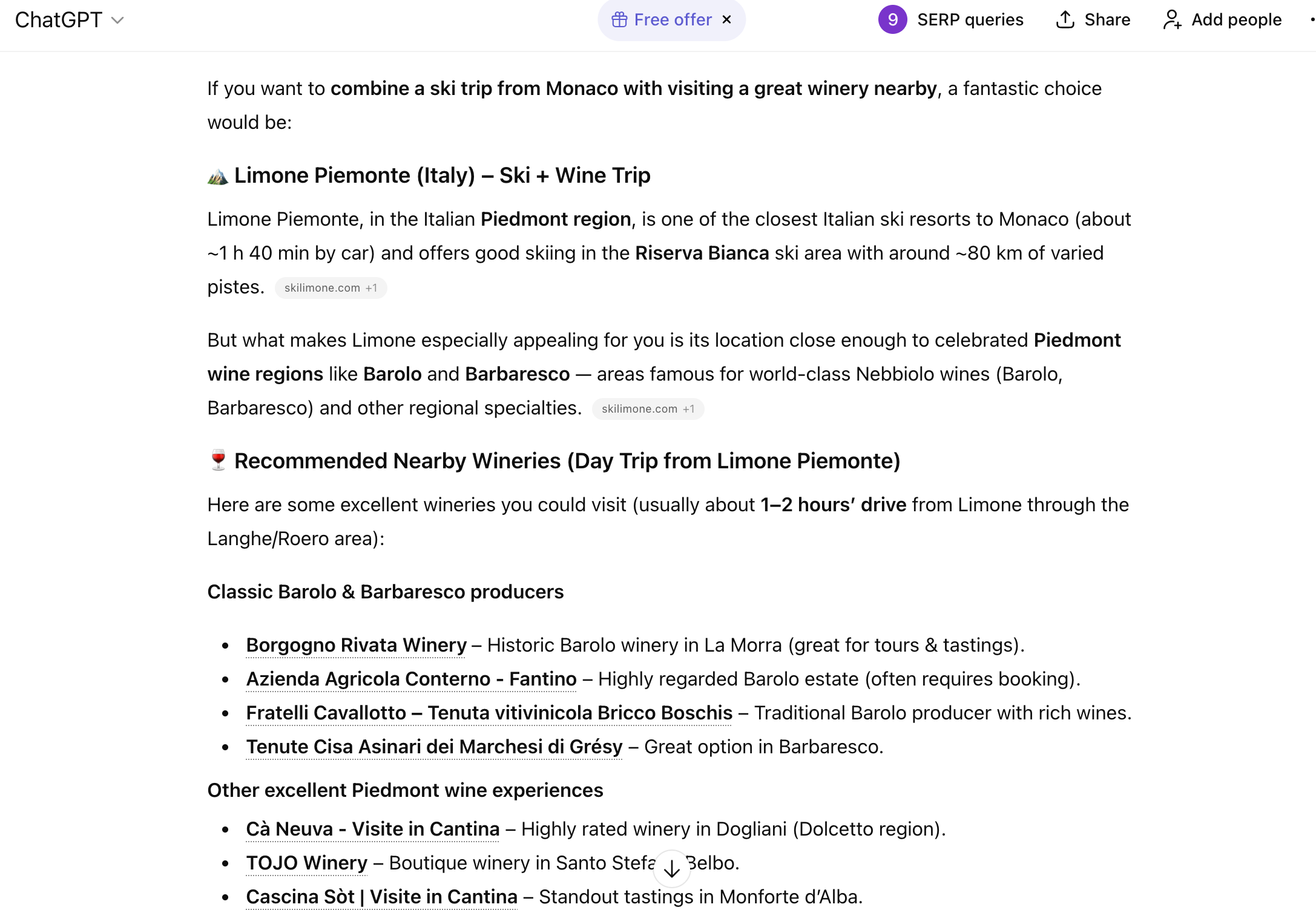
After a week filled with technical hurdles and moments of wanting to give up, something amazing happened. I was using ChatGPT for unrelated research and decided to ask it a few questions about skiing in Limone Piemonte, the topic of my new website.
To my astonishment, ChatGPT used content directly from my site in its answer.
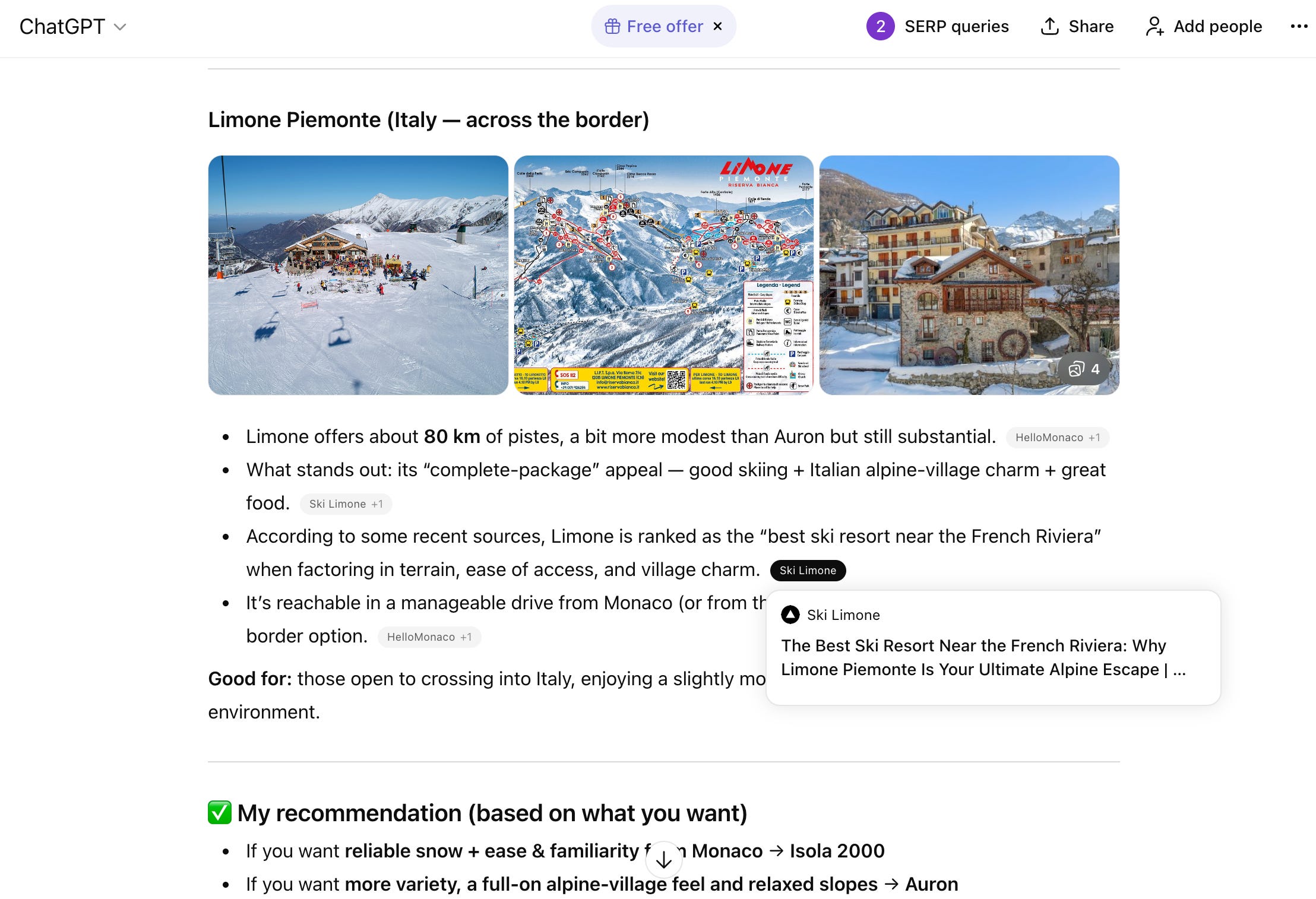
This was the ultimate goal. The reason I had endured the steep learning curve of Sanity.io and the frustrations of a forgetful AI was to create a truly AI-native site. I wanted my content to be discoverable and useful to the next generation of search and information tools. And here it was, happening just a little over a week after launch.
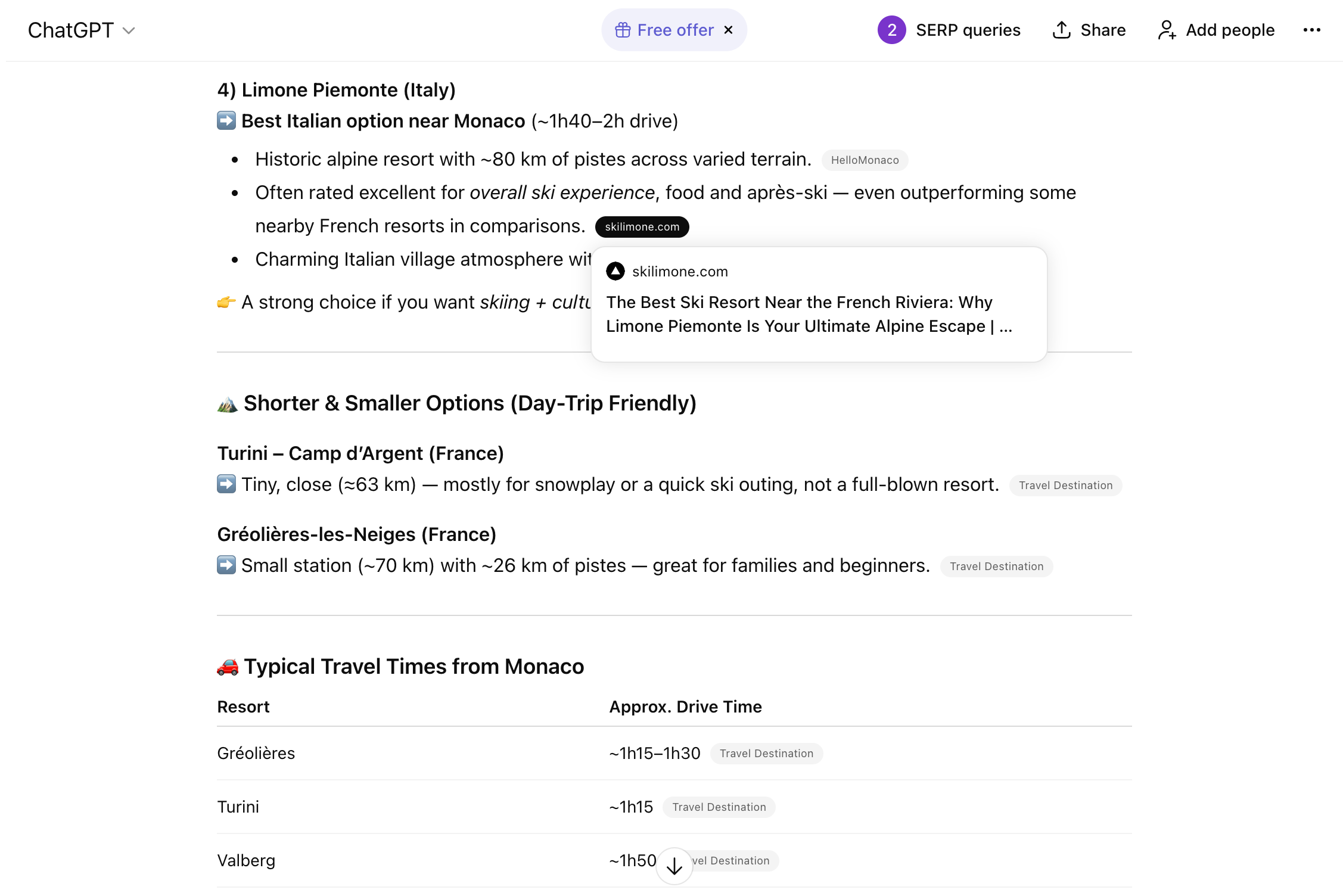
That single moment made all the struggles worthwhile. It was proof that the modern, headless approach, combined with careful AI optimization, had worked. My little travel site was now contributing its knowledge to one of the most powerful AI models in the world. The journey was far from over, but this was a huge win and the motivation I needed to keep pushing forward.