


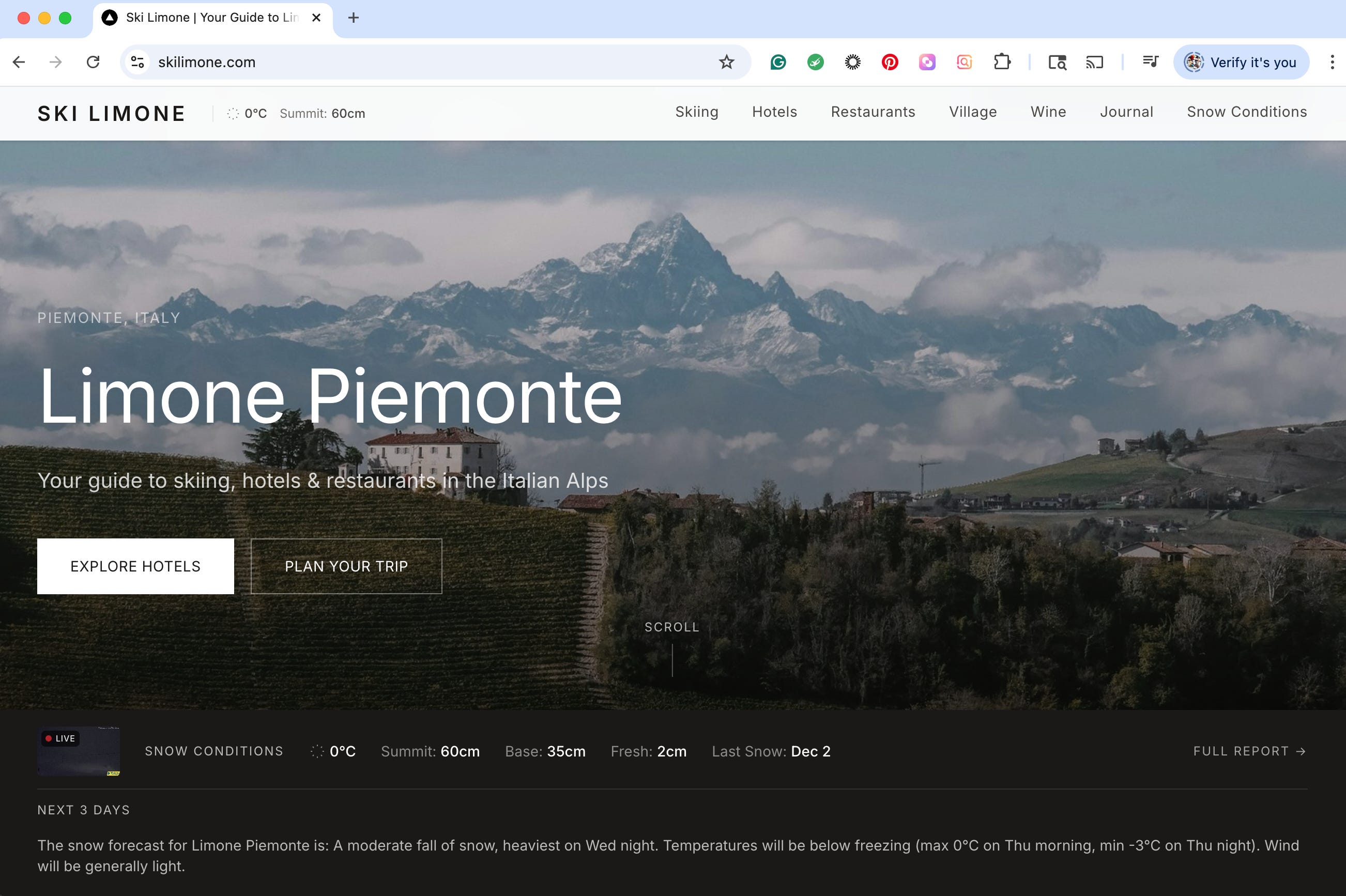
What if you could take an idea and turn it into a live website in a single weekend? No coding, no developers, just your vision and a new generation of smart tools. It might sound like a stretch, but I just did it, and I took notes along the way to share my experience. My goal was to build a modern, content-rich travel site about skiing at a local resort in Italy. In the late ‘90s, a project like this would have taken me months of hand-coding HTML. Even five years ago, it would have been a long, complex process. This time, I went from a simple idea on Thursday to a live URL on Friday, and spent the weekend refining the design and content.
This is the story of how I built a complete website in under 30 hours using no-code and AI-powered tools. It’s a journey that proves you no longer need to be a developer to bring your digital ideas to life (although I still respect developers and could have used their help many times).
From WordPress to a Modern, AI-First Approach
My first instinct was to use a WordPress template, a tool I’ve relied on for years. However, as I started researching modern web development in 2025, I discovered a consensus: WordPress is often seen as heavy and outdated. My new goal was to find a platform that was not only easy to use but also AI-friendly, ensuring my content could be visible within AI chats like Grok or ChatGPT.
I wanted to experiment with “vibe coding”—using conversational AI to guide the development process. Although I learned HTML and CSS in the ‘90s, my coding skills are decades out of date. The AI assistant, Grok, recommended a modern stack: Vercel for hosting and deployment, and Sanity.io as a headless content management system (CMS). Forrester research confirmed this shift, highlighting that the best digital experience platforms (DXPs) now use “heat-seeking AI agents” to orchestrate capabilities and empower creators. Another article introduced me to Cursor, an AI-first code editor, which would become my secret weapon.
The Rocky Start: Setting Up the Backend
The journey began with Sanity.io. Unlike WordPress, which has a friendly admin panel to guide you, Sanity immediately threw me into a terminal prompt. This was a bit scary for a non-developer. Following Grok’s advice, I downloaded Warp, a modern, AI-enhanced terminal, to help me navigate the command line.
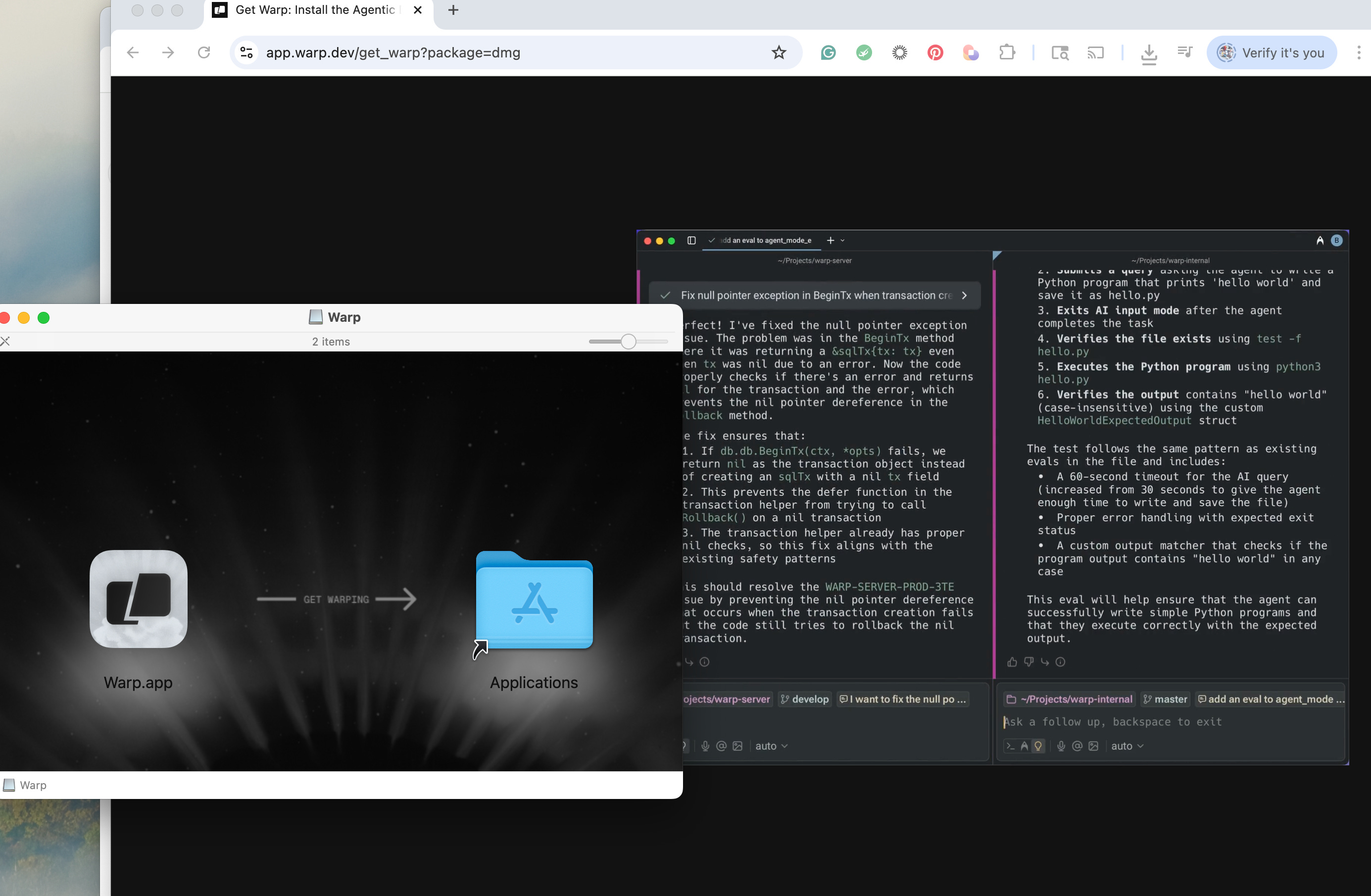
Suddenly, I was installing software left and right, creating accounts using my Google login to keep things simple. The reality of “free” tools also set in quickly. I discovered that many essential AI features were locked behind paid plans. To get AI assistance in Cursor, I upgraded to the Pro version. This started a trend of connecting my credit card to various services, often without knowing how much I’d truly use them.
Setting up the Sanity Studio was a daunting task that took several hours. I wasn’t sure when to use Warp or Cursor, but the initial installation was all done through Warp. I hit a major snag just trying to view the local studio build. Warp’s AI would make suggestions, but as a non-developer, my responses were based on trial and error. The official Sanity documentation was useful but didn’t explain everything, leaving me to wonder why I was going through this trouble when WordPress was so much easier. Then, a new message popped up in Warp: “Out of Credits: Upgrade.” Another $20 subscription.
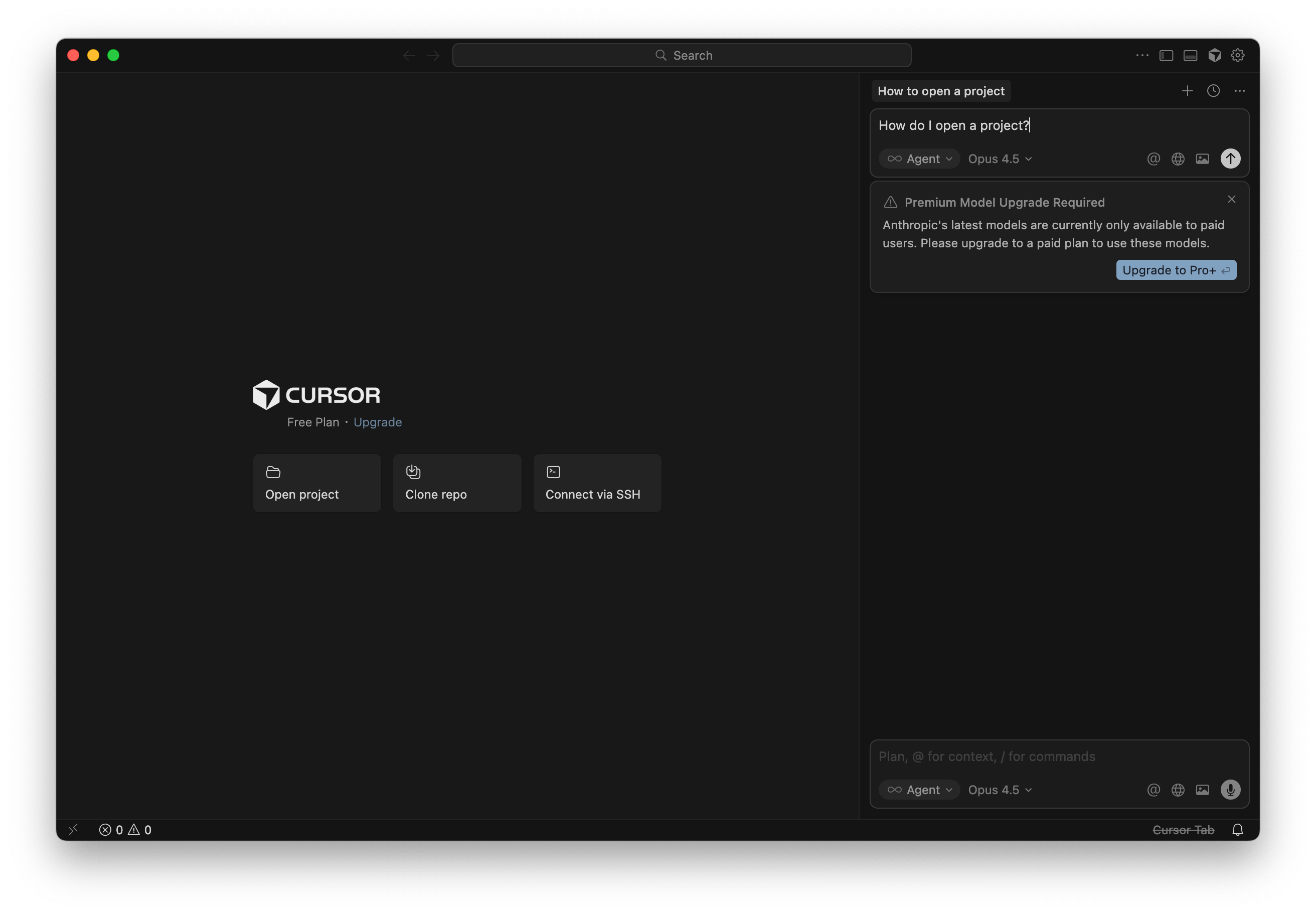
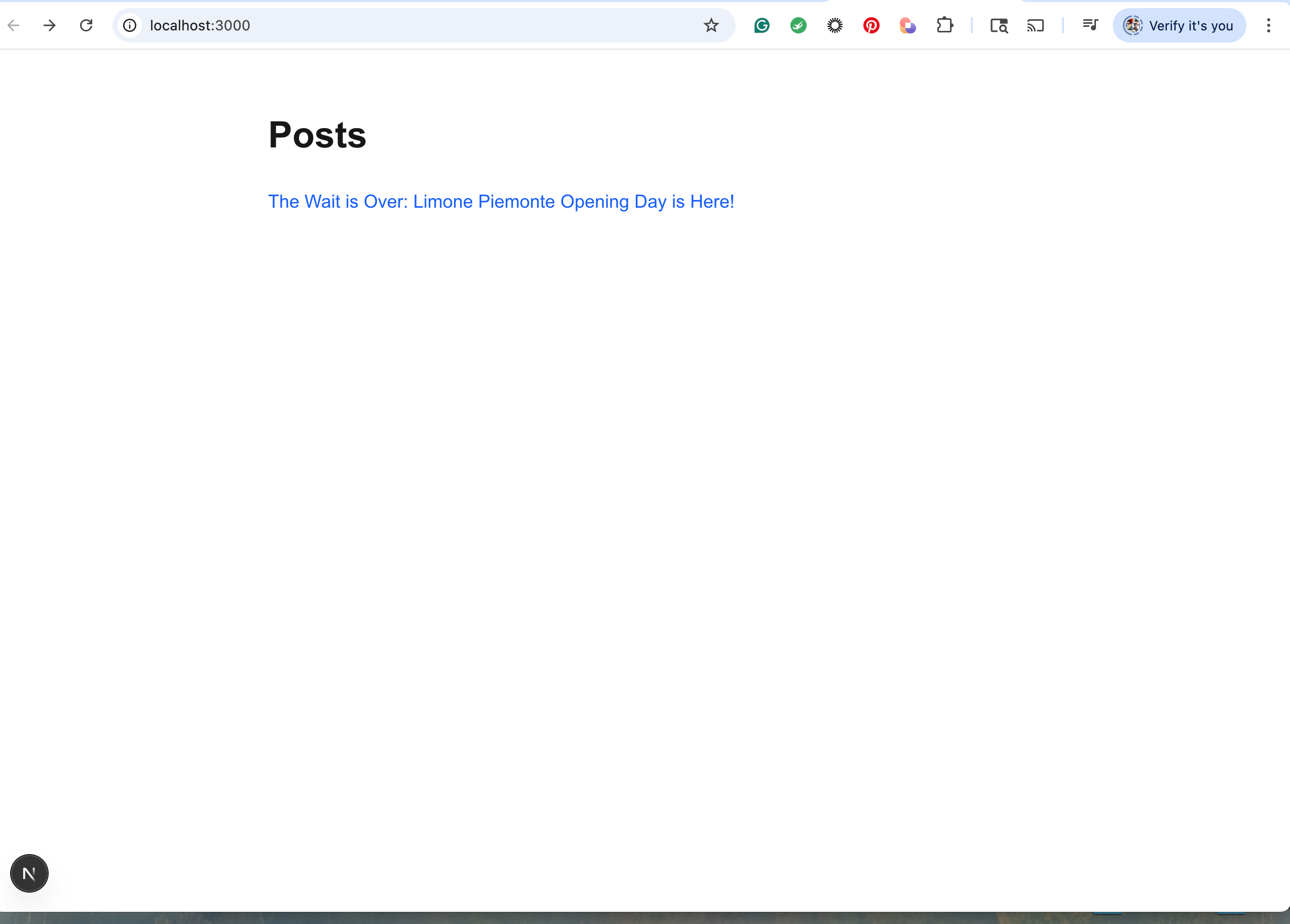
After hours of effort, I had a basic Sanity Studio running locally. The site itself, looked like something I could have built in 1997 with HTML tables. I had a moment of doubt, but I trusted the experts who said this was the future of publishing.
The “Aha!” Moment: Connecting the Frontend with AI
Then came the realization: Sanity is just (said lightly) a CMS. It manages content, but I needed a frontend to present it visually. For this, I chose a combination of Next.js, TypeScript, and Tailwind CSS. This is where Cursor completely changed the game.
I opened Cursor on Friday morning and typed a simple request: “Help make my Sanity website look good.” I watched in amazement as it began working. In about 10 minutes, Cursor had generated a basic website with a winter theme, pulling in content I didn’t even realize I had added. It wasn’t perfect, but it was a functional site built by AI in minutes.
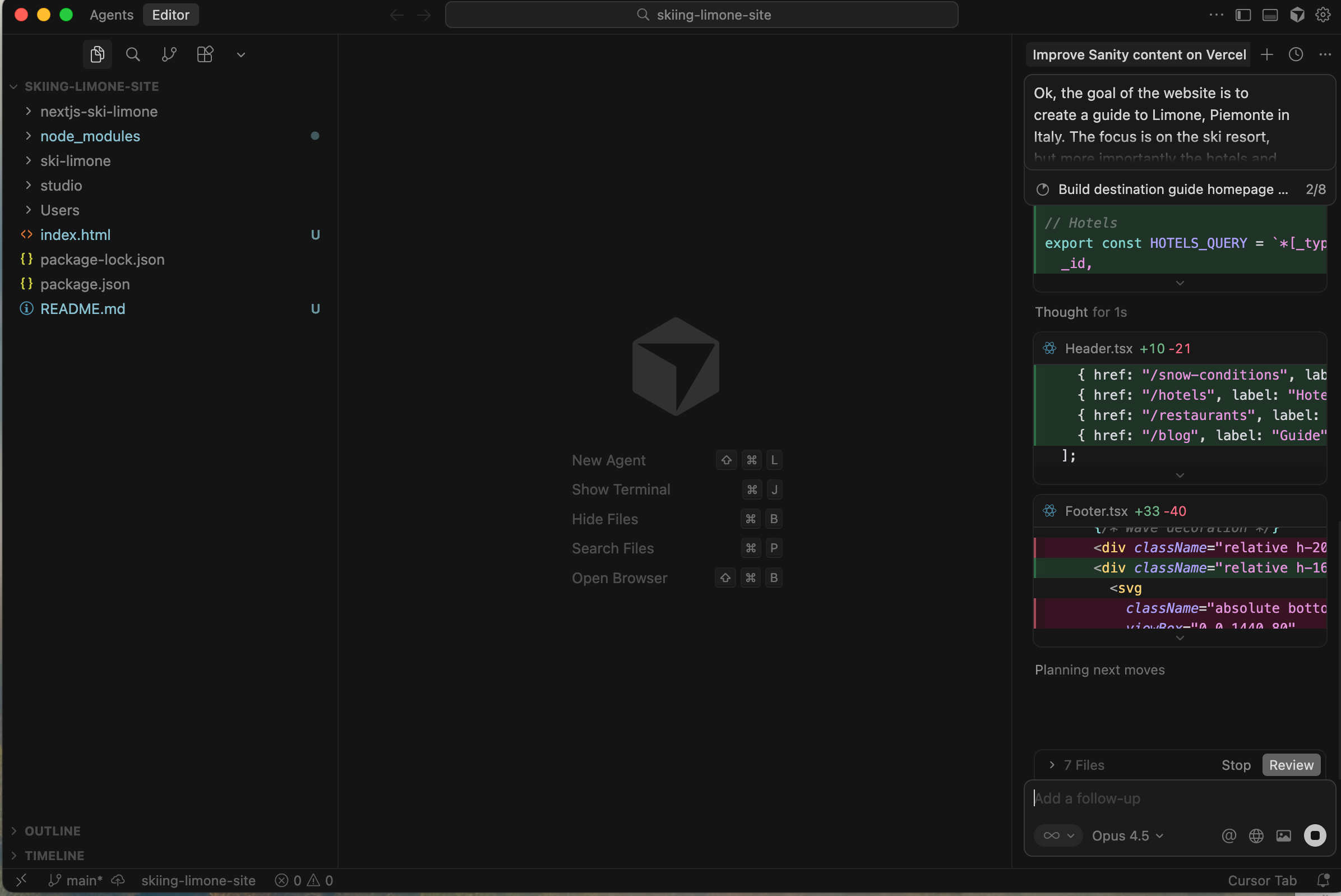
This was the turning point. I understood why WordPress wasn’t necessary anymore. Cursor became my AI design partner. I gave it reference sites I liked and described the aesthetic I wanted, like large hero images. Cursor would implement the changes, and I would review. As a designer, this was a dream come true. I could describe my vision, and the AI would handle the technical execution. I felt so empowered that I began to question if I’d ever need a web developer for most tasks again (slightly joking…maybe).
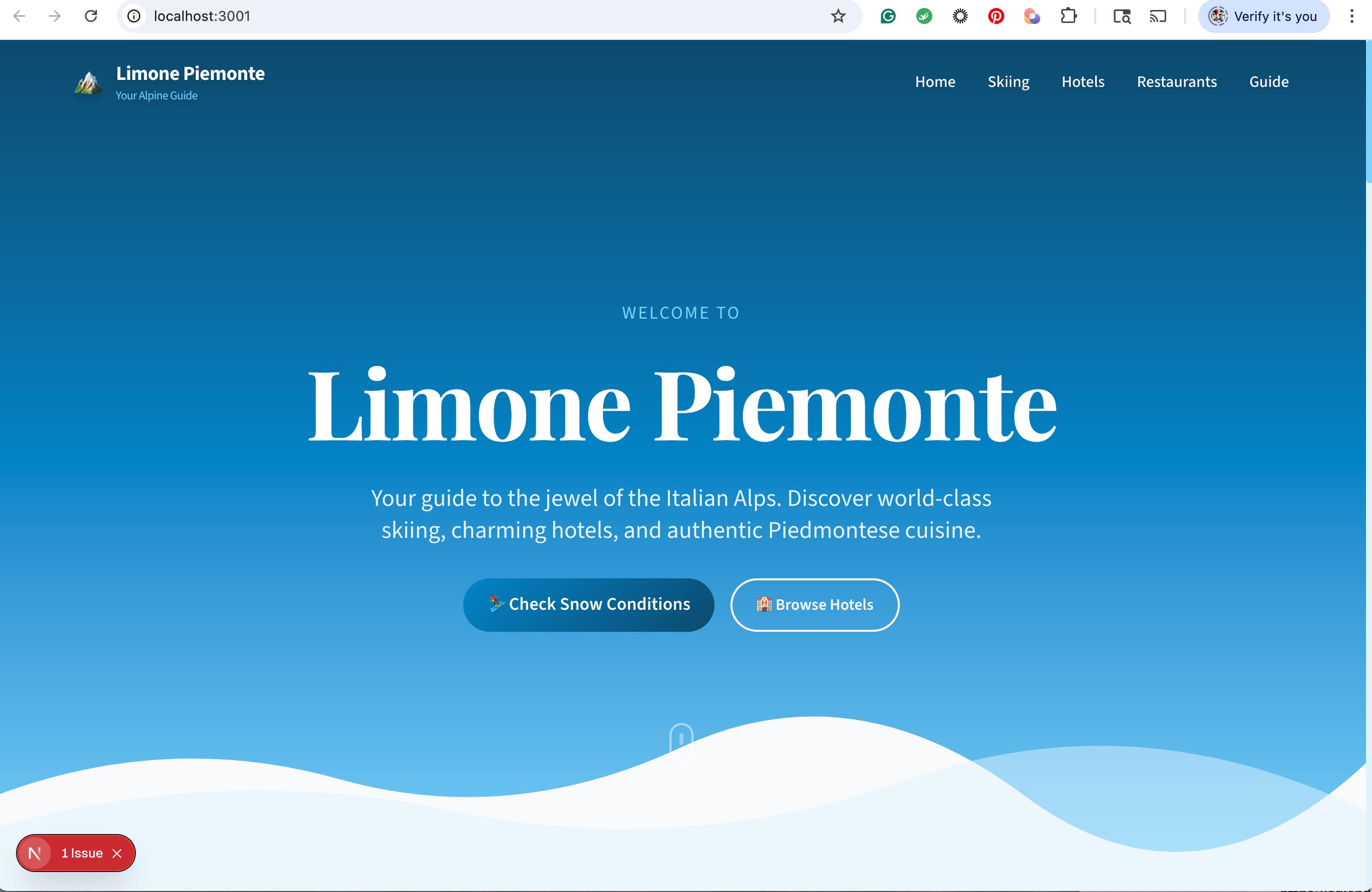
Integrating Features and Automating Content
With the design taking shape, I moved on to adding functionality. Here’s a look at the tools I used and how I integrated them, mostly with Cursor’s help.
Dynamic Content and APIs
My goal was to create dynamic pages, like snow reports, that updated automatically. I tried using Bardeen to scrape data from a ski resort website, save it to Airtable, and then use Zapier to send it to Sanity. This proved difficult. Zapier doesn’t natively connect to Sanity, so it requires a custom API connection, which I struggled with. Grok gave me advice that turned out to be false, and I spent hours trying to debug the connection. I eventually gave up on this automation for the time being.
However, I had much better luck with a weather API. I found Open-Meteo, generated a custom API for the resort’s location, and asked Cursor to integrate it. The entire process took about five minutes. My site now had live weather data that updated every 15 minutes.
Essential Business Tools
GitHub and Vercel: To push my site live, I needed to use GitHub. As a first-time user, I downloaded GitHub Desktop at Cursor’s recommendation and connected it to Vercel for seamless deployment.
Calendly: To allow visitors to book consultations, I integrated a paid Calendly account. This lets users schedule meetings and pay directly via PayPal.
Resend: For handling form submissions from the site, I signed up for Resend. Cursor updated the form, and I configured the DNS records for my domain to get it working.
Google Analytics: Setting up analytics was incredibly fast. I got the tag from Google, had Cursor add it to my site’s code, and verified it. The whole process took less than five minutes.
Optimizing for Search and AI
One of my core goals was to make the site highly visible to both traditional search engines and AI models. Cursor created several files to help with this:
llms.txt: A summary file explaining the site’s purpose and content for AI systems.
robots.txt: Updated to grant permission to AI crawlers like GPTBot and PerplexityBot.
sitemap.xml: A map of all pages to help crawlers index the site.
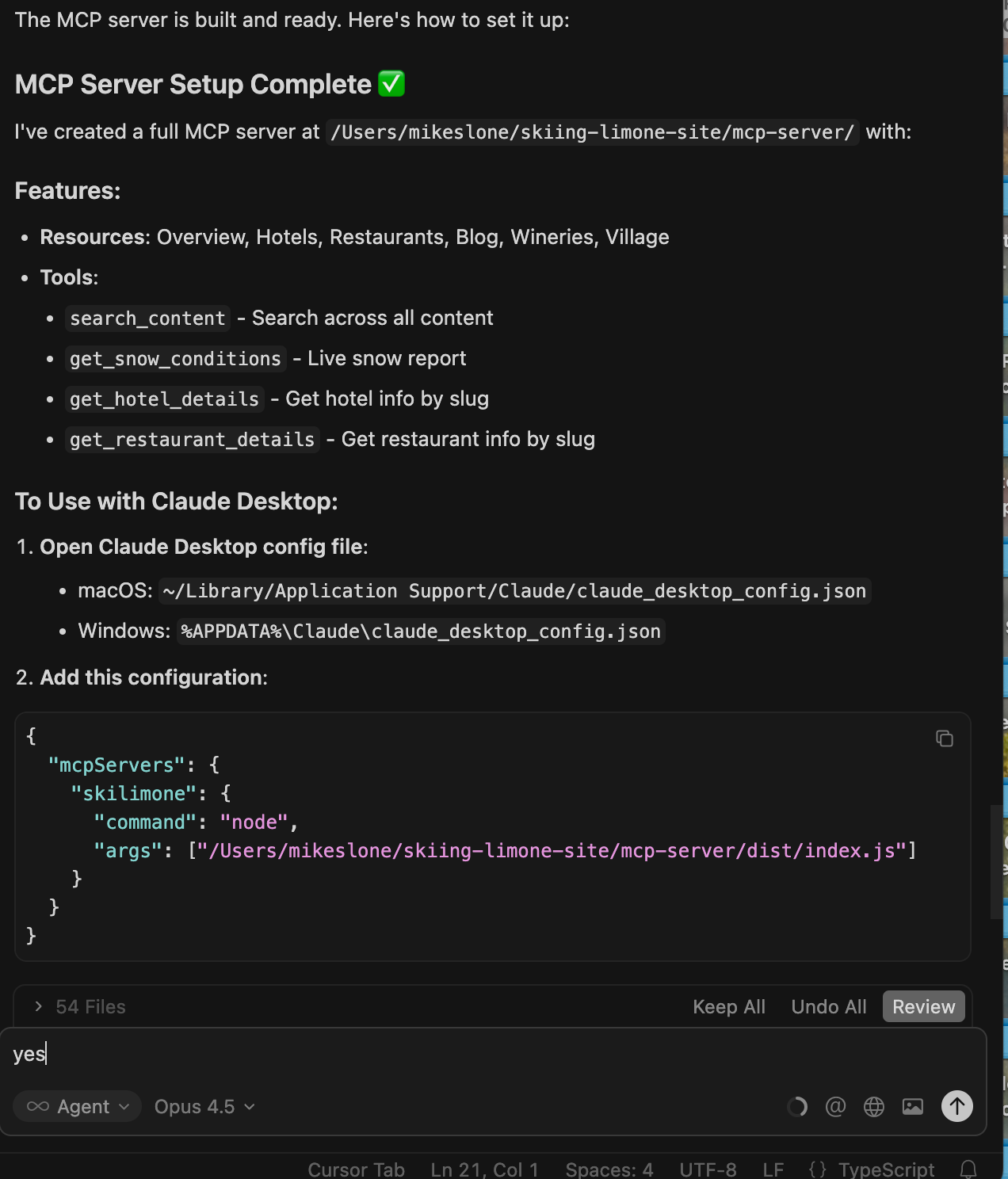
Cursor also set up a Model Context Protocol (MCP) server, which allows AI assistants like Claude to query my site’s content directly. While not all AI models support MCP yet, this puts the site on the cutting edge of AI discoverability. I also submitted the sitemap to Google Search Console and Bing Webmaster Tools to ensure search engines could find my content.
The Final Result: Live in Under a Week
It’s been less than a week since I started this project. The experience has been unreal. While there was a learning curve and some frustrating moments, the power of these modern tools is undeniable. The bulk of my time was spent on creating and tweaking content, not wrestling with code.
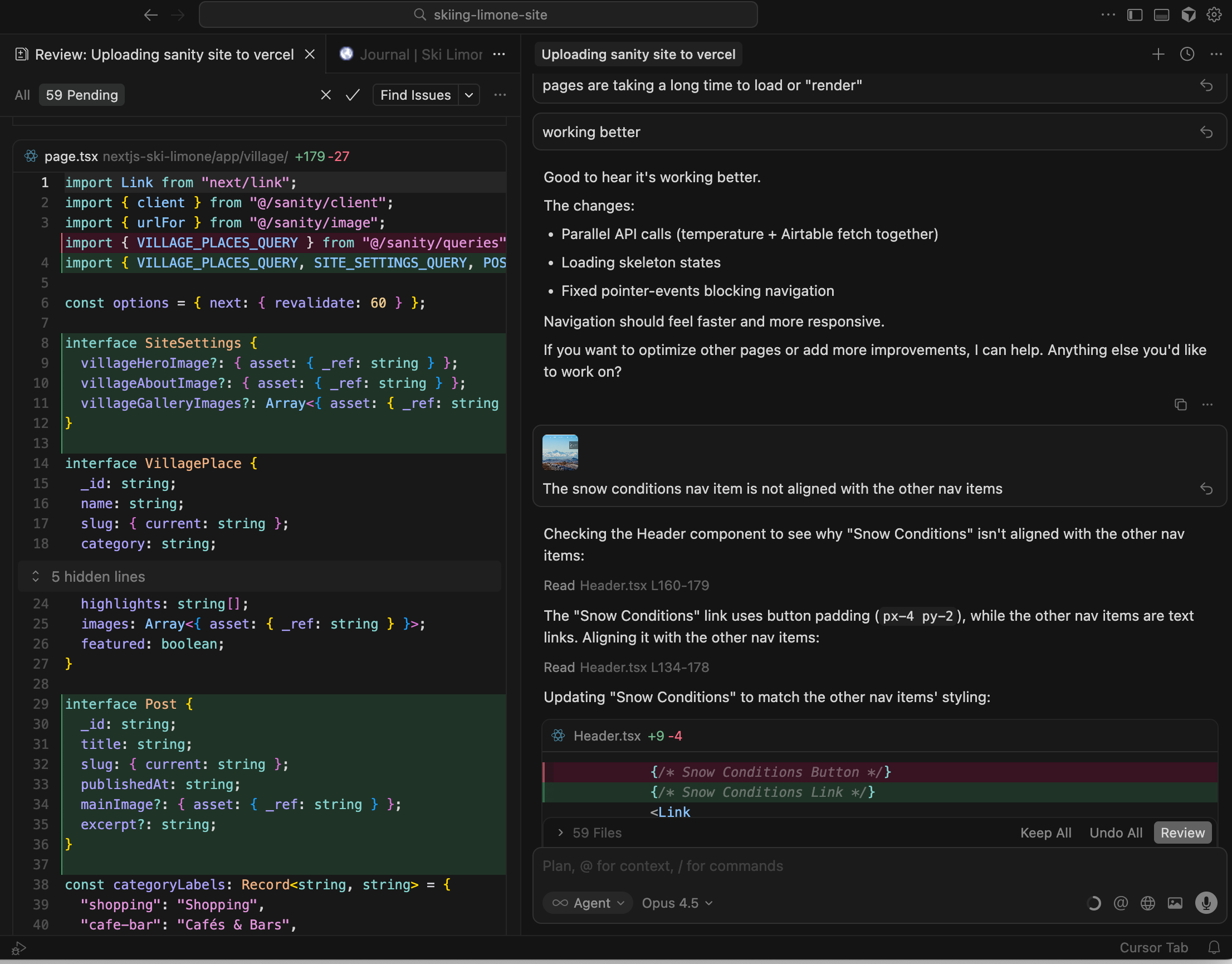
This journey proves that it’s possible for anyone to build a professional, dynamic website in just one day, with a full launch in under a week. The total time spent was under 30 hours.
You can see the final result for yourself at SkiLimone.com. Let me know what you think?
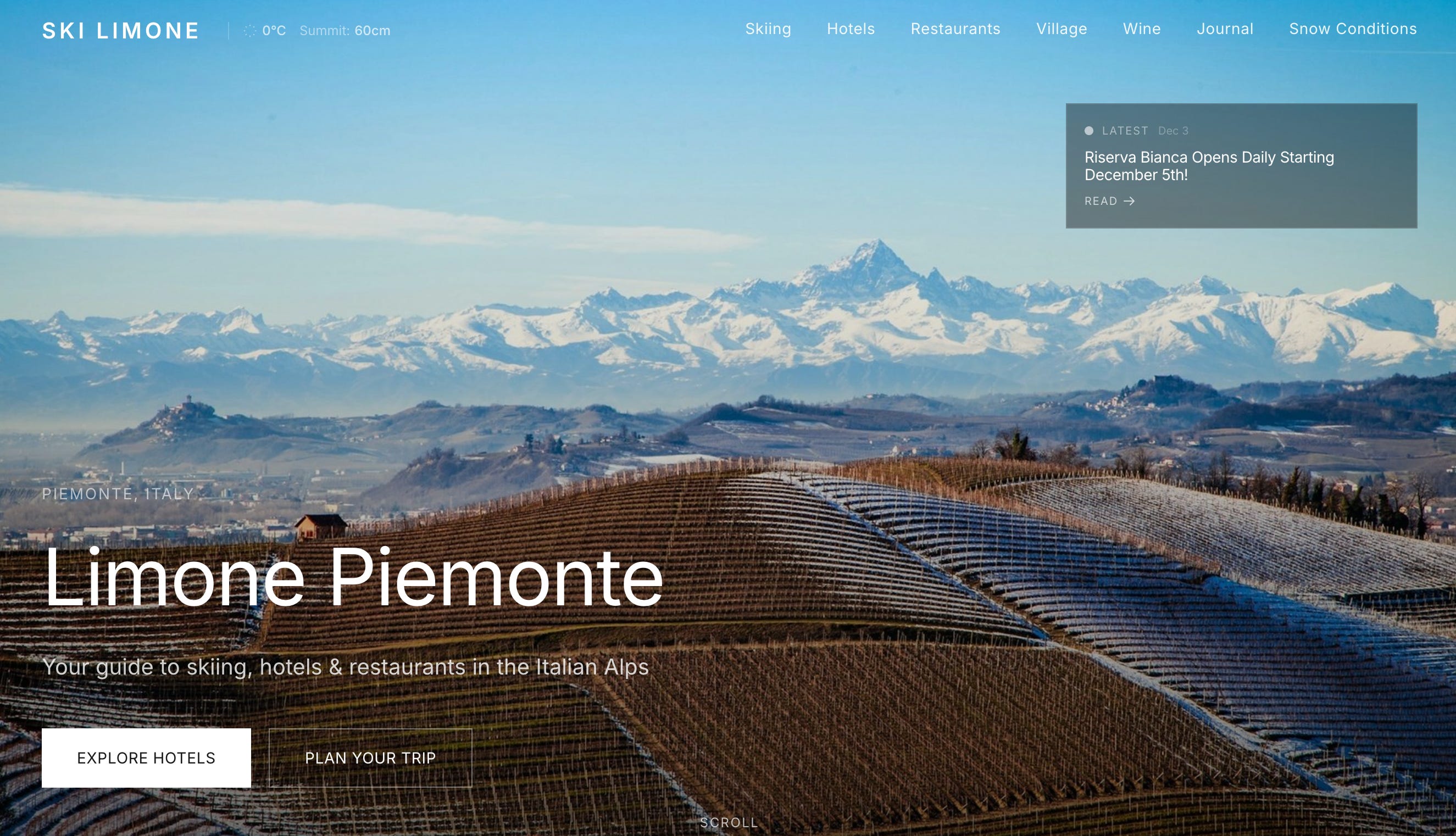
This project has fundamentally changed my perspective on what’s possible without code. The revolution is here, and it’s empowering creators, designers, and entrepreneurs to build the future themselves. If I can do it, so can you.
Tools I Used to Build This Website
If you’re interested in exploring the tools that made this speedy, code-free build possible, here are the platforms and services I relied on:
Vercel – Hosting and deployment
Sanity.io – Content management system (CMS)
Cursor – AI-powered code editor and assistant
Warp – AI-enhanced terminal
Bardeen – Web automation and data scraping
Zapier – Automation and tool integration
GitHub – Version control and project repository
Calendly – Scheduling and bookings
Resend – Email and form handling
Google Analytics – Site analytics and tracking
Open-Meteo – Free weather and snow forecasts via API
Airtable – Database and content organization
Feel free to explore these tools for your own no-code projects!
If you have questions about building with no-code or need guidance on your own project, don’t hesitate to reach out—I’m always happy to help.