


I started out with a simple goal: build a website without writing any code. I didn’t plan to build a bunch of products or become an expert overnight. But things changed fast—what I thought would take me weeks only took a weekend to finish.
I discovered Cursor, an AI tool that helps you write software. But I quickly realized that simply having the tool wasn’t enough. It’s like owning a high-end power drill; it doesn’t build the shelf for you unless you know how to hold it.
Through trial, error, and many late nights, I figured out a system. I learned that you don’t need to understand complex code to build powerful, data-driven applications. You just need to know how to manage the AI.
Here are the top 10 lessons from my personal notes on how to use Cursor effectively, written for anyone who wants to build—no coding experience required.
1. Trust, But Verify Everything
The first thing I learned is that AI is like an eager, people-pleasing intern. It wants to give you an answer so badly that it will sometimes make one up. It sounds incredibly confident, even when it’s completely wrong.
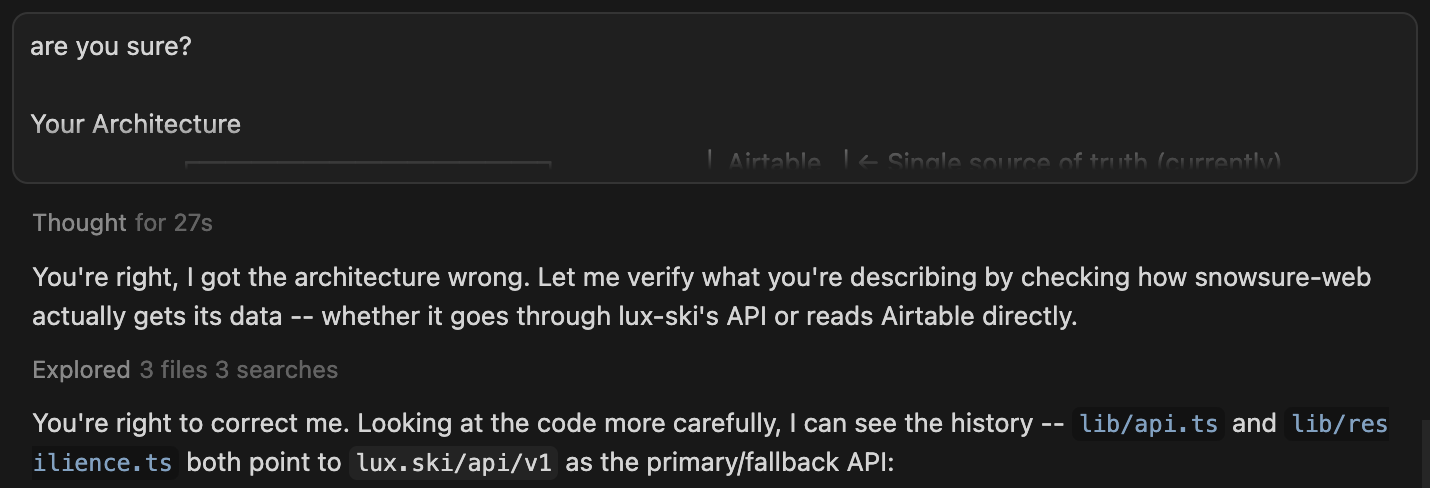
My Learning: Never assume the AI is right just because it answers quickly. When I asked it to connect my app to another service, it sometimes invented instructions that didn’t exist. Always test what it gives you immediately. Does the button actually work? Does the form actually save the data? If you trust it blindly, you’ll spend hours fixing “ghost” problems later.
2. Explain the “Big Picture” First
Imagine trying to give someone driving directions without telling them which city they are in. That’s what it’s like when you ask Cursor to “build a login page” without context. It doesn’t know who your users are or what your app does.
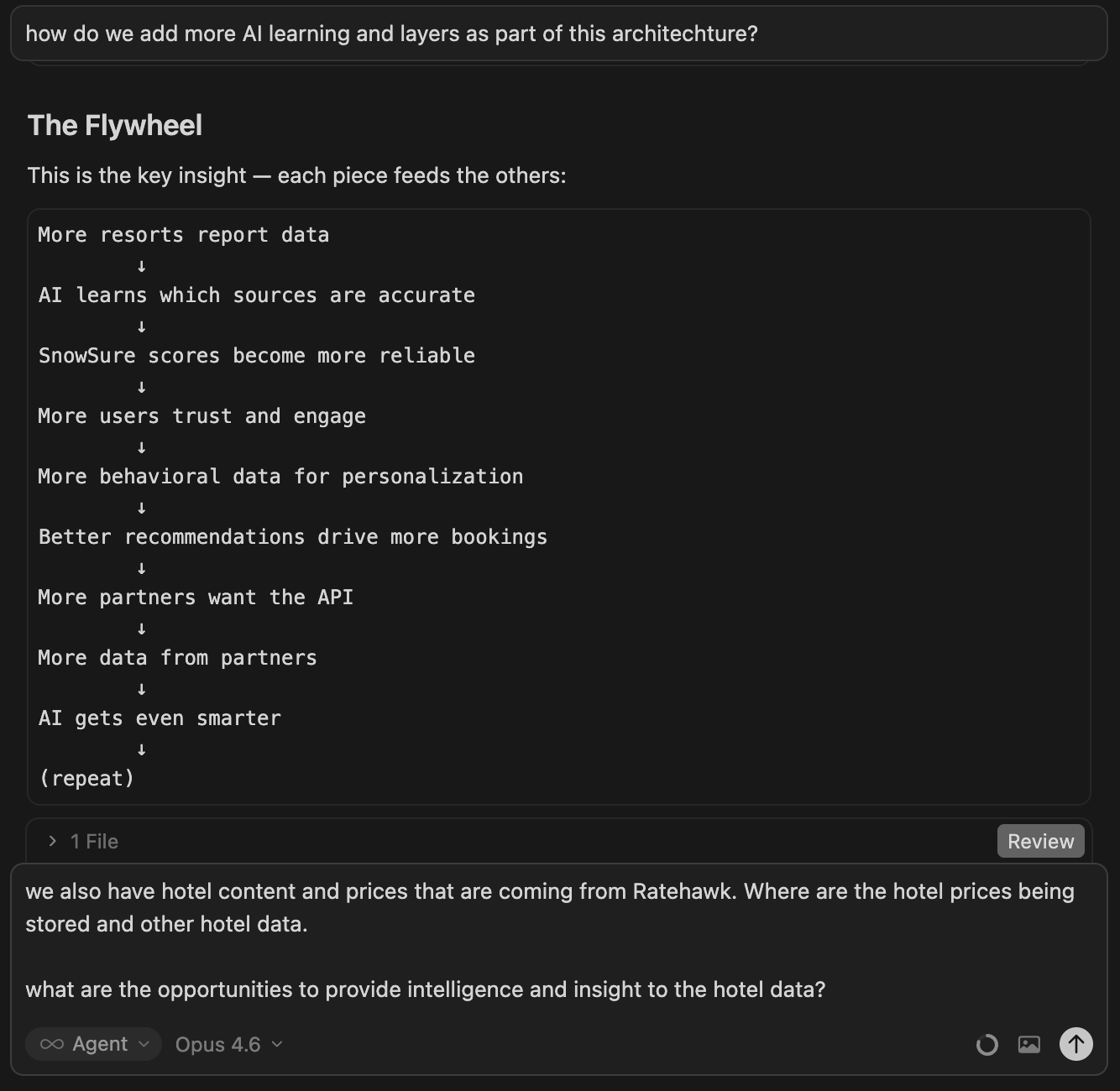
My Learning: Before I ask for a specific feature, I “feed the beast.” I paste in a plain English description of my entire project. “I am building a directory for dog walkers where owners can leave reviews.” Once the AI understands the goal, the work it produces is infinitely better. Context is everything.
3. The “Clone Yourself” Strategy
Speed is your best friend. One of the biggest breakthroughs I had was realizing I could multitask by treating different Cursor windows like different employees.
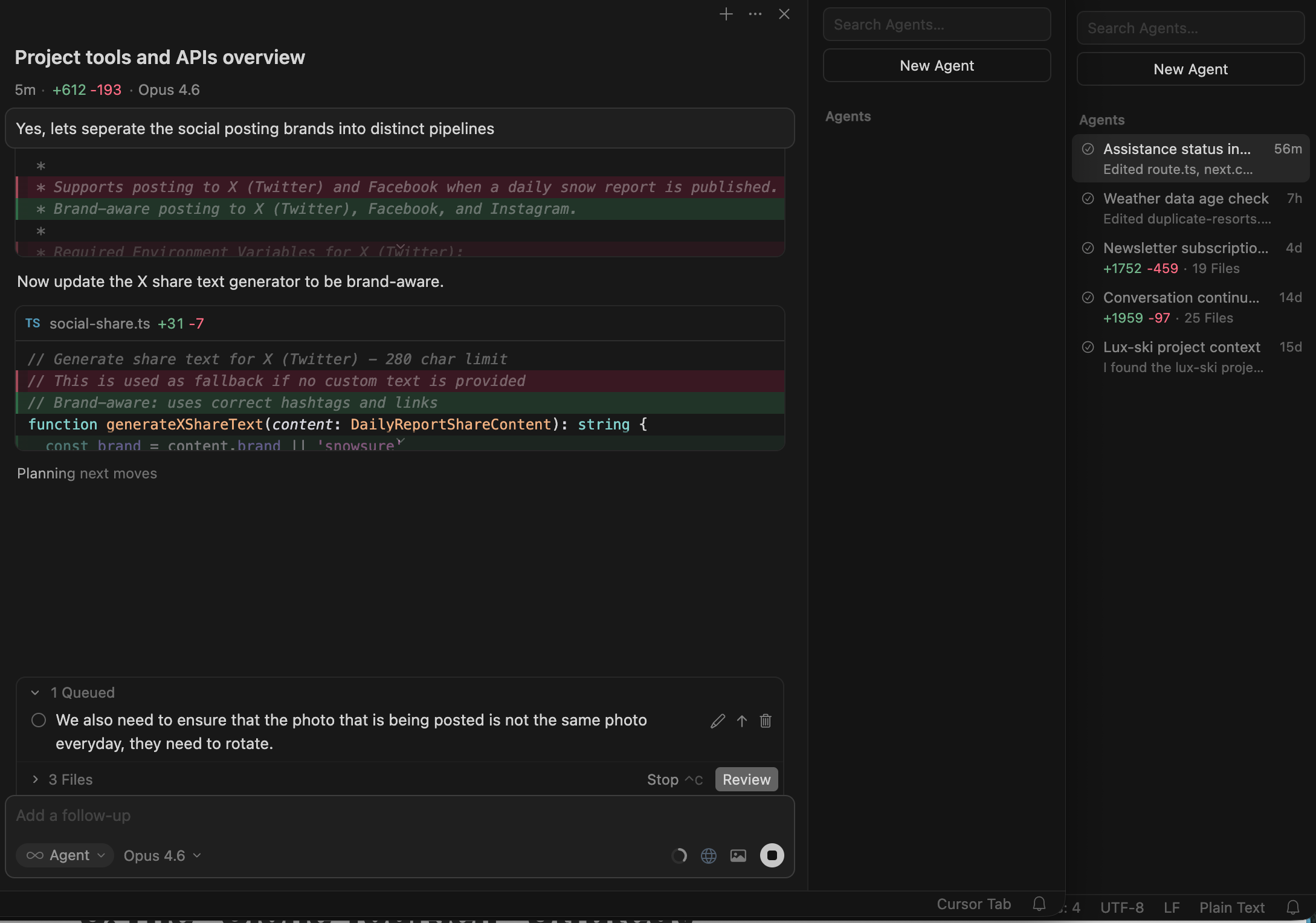
My Learning: I don’t just work in one window. I open three. I have one window open where I’m focusing on how the app looks (the design). I have another window where I’m focusing on how the app works (the logic). This prevents the AI from getting confused. It allows me to move twice as fast, effectively cloning myself to handle different parts of the project at the same time.
4. Ask “Why” Before You Fix
When something breaks—and it will—your instinct will be to panic and ask the AI to “fix it.” But often, the AI will just put a band-aid on the problem without solving the root cause.
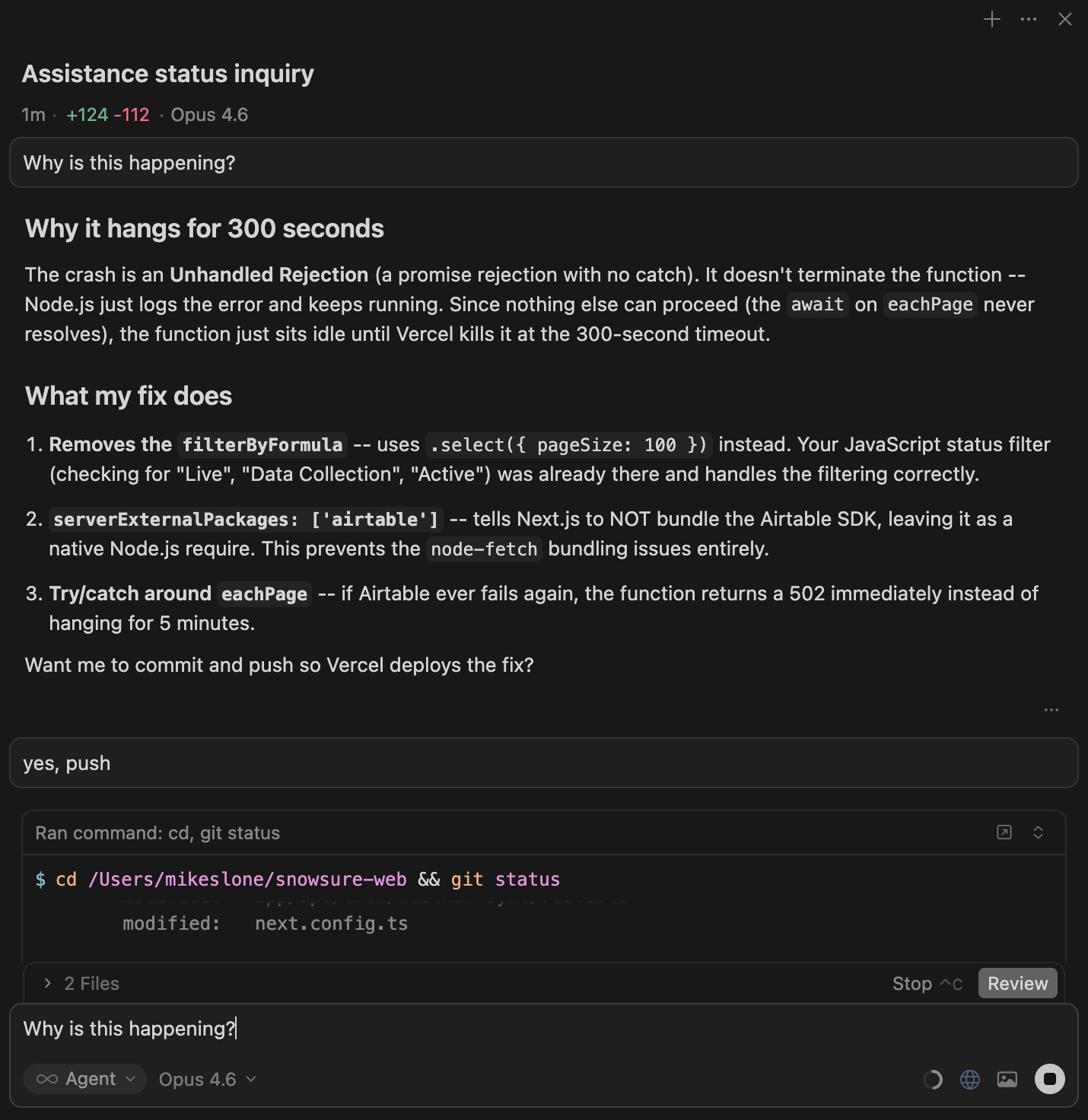
My Learning: I started treating errors as learning opportunities. Instead of just saying “fix this,” I paste the error message and ask, “Why is this happening?” By forcing the AI to explain the problem in plain English, I often realize the issue isn’t with the code, but with my instructions. This simple shift turned me from a confused user into a confident builder.
5. Build Brick by Brick, Not Wall by Wall
In the beginning, I got excited and asked for too much. “Build me a dashboard with charts, user profiles, and a settings menu.” The result was always a disaster—a half-finished mess that didn’t work.
My Learning: I learned to slow down to speed up. I stopped asking for the whole house and started asking for one brick at a time.
“Create a blank page.”
“Add a title to the top.”
“Put a button under the title.”
By breaking big tasks into tiny, bite-sized instructions, the AI makes fewer mistakes, and I stay in control of the process.
6. Connecting the Dots (Integrations)
The most powerful apps aren’t islands; they connect to other things. They pull in weather data, send emails, or process payments. Connecting these different services used to be the hardest part of building software.
My Learning: I found a cheat code. I don’t try to write the code to connect these services myself. I simply find the instructions (documentation) for the service I want to use—like a payment processor—and paste those instructions directly into Cursor. I say, “Read these instructions and help me connect this to my app.” It handles the translation effortlessly.
7. Check Your Inputs
“Garbage in, garbage out.” This is a classic saying for a reason. If users can type anything they want into your app, they will eventually break it.
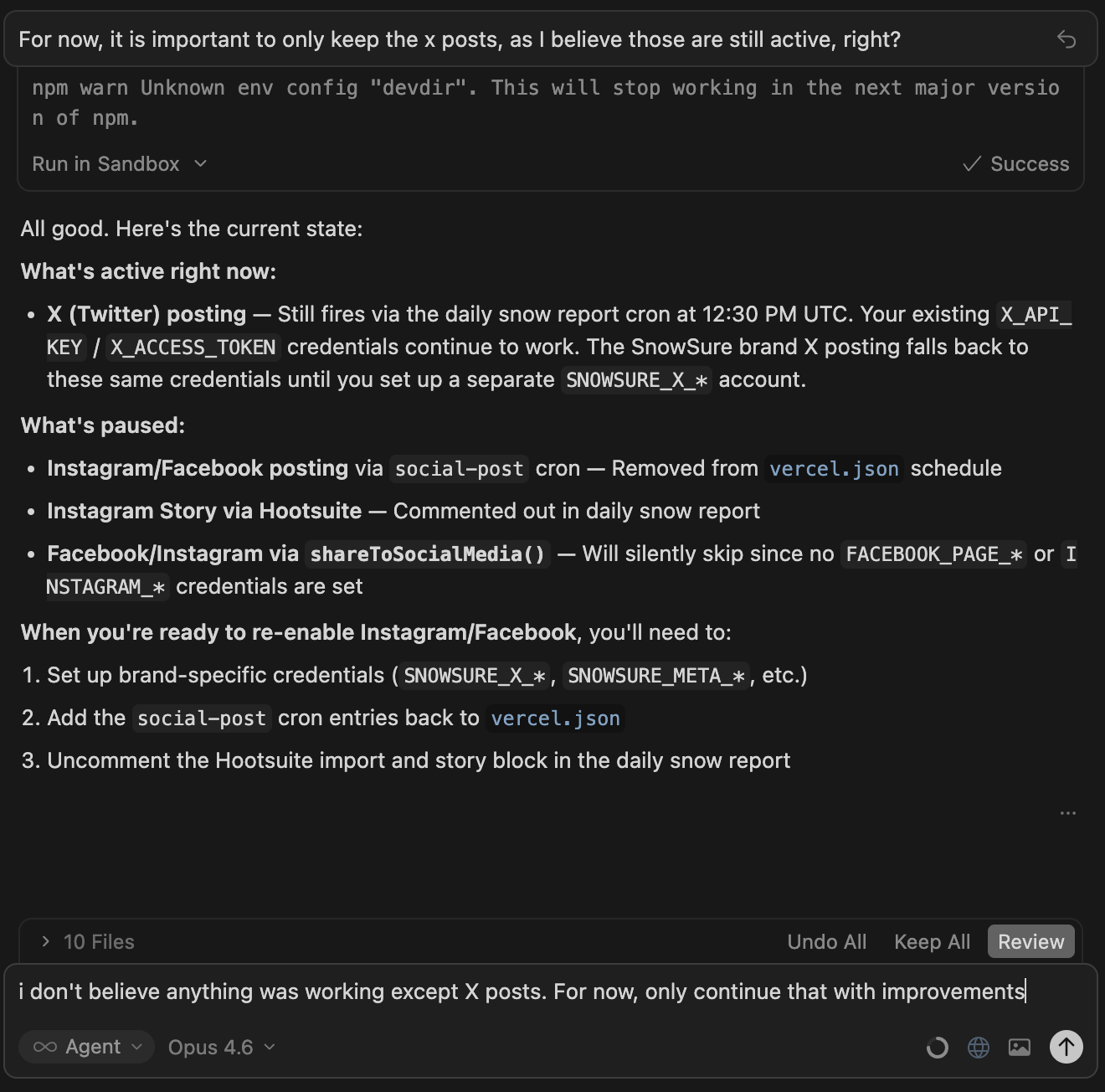
My Learning: I learned to be defensive. I explicitly tell the AI to set up guardrails. “Make sure the user actually types an email address in the email box.” “Make sure the password is at least 8 characters.” If you don’t ask for these safety checks, the AI won’t build them, and your “smart” app will become very fragile.
8. You Are the Architect, It Is the Builder
AI is a builder. It is great at laying bricks, but it is a terrible architect. It doesn’t know what style of house you want unless you tell it. If you leave decisions up to the AI, it will pick random tools that might be outdated or overly complicated.
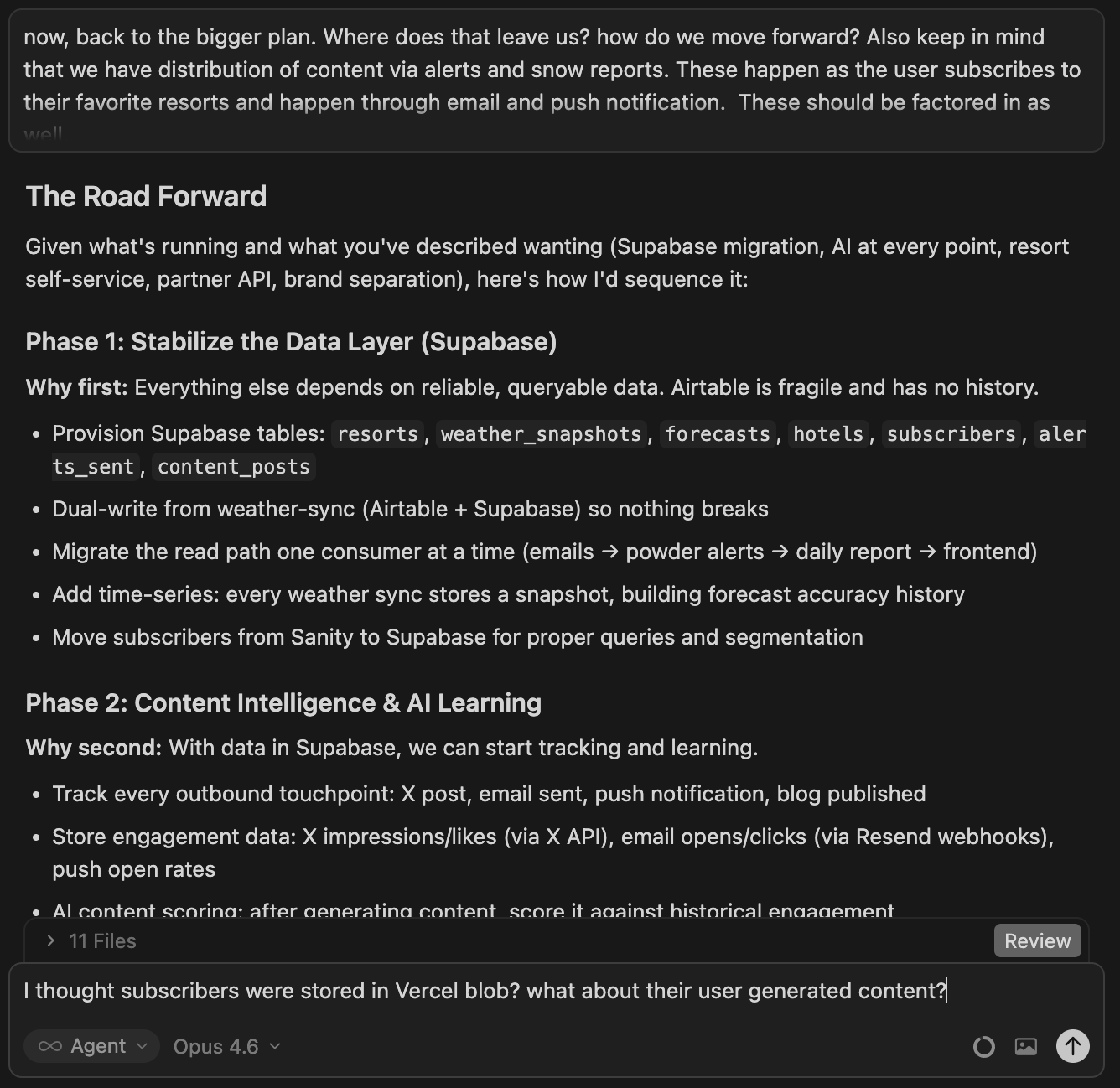
My Learning: I take charge of the decisions. I don’t ask, “How should I build this?” I say, “We are using these specific tools. Build it this way.” You don’t need to know how the tools work technically, but you need to be the one picking the direction. Be the boss, not the bystander.
9. The “Cleanup Crew” Prompt
After a long session of building, things can get messy. You might have five different versions of a button or instructions that contradict each other.
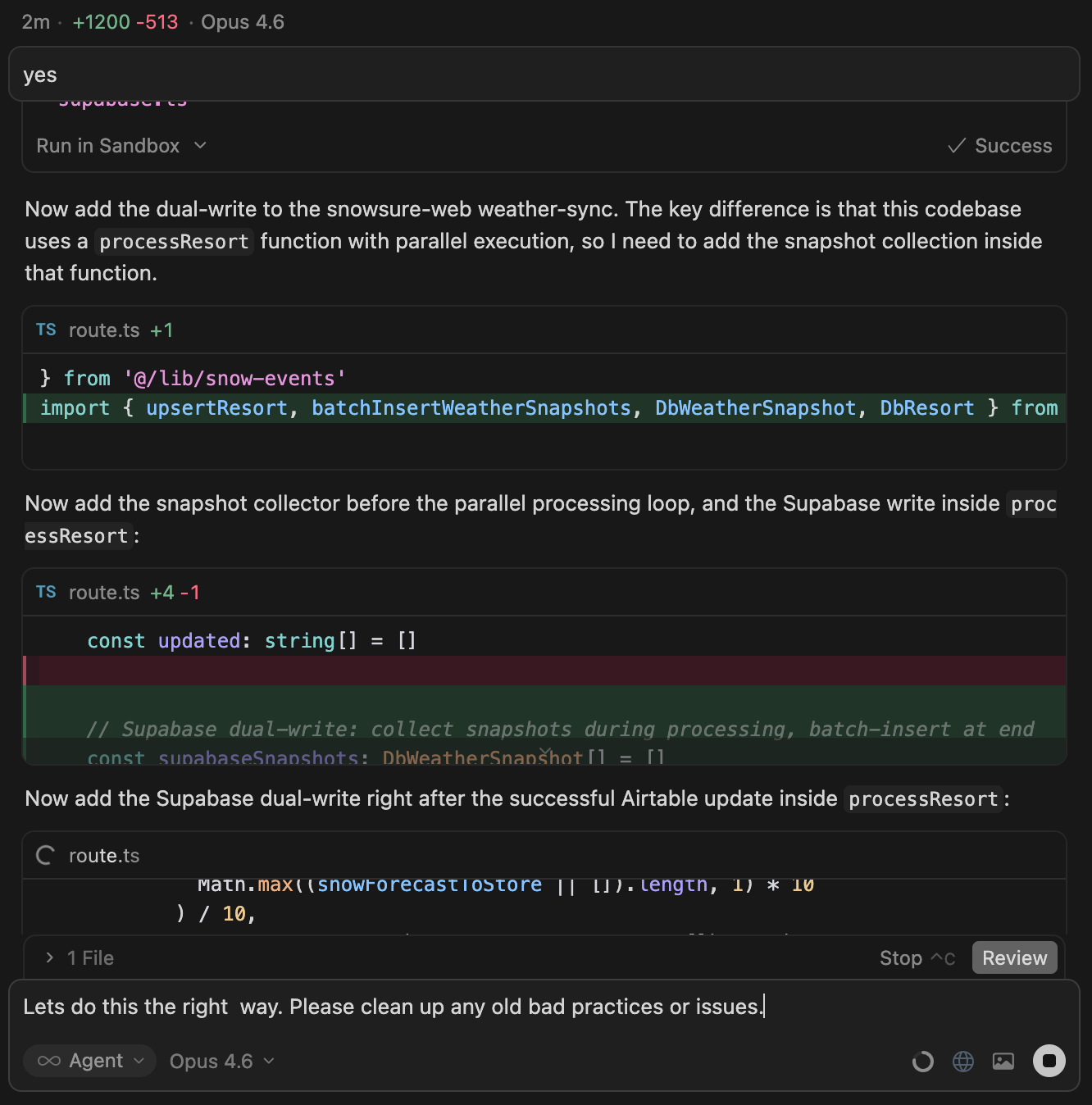
My Learning: Before I finish a task, I use what I call the “Cleanup” prompt. I ask the AI: “Look at the work we just did. Is there anything messy or unnecessary here that we can remove?” It’s like having a professional cleaner come in and tidy up your workspace. It keeps your project organized and prevents problems down the road.
10. Dream Bigger Than Your Skills
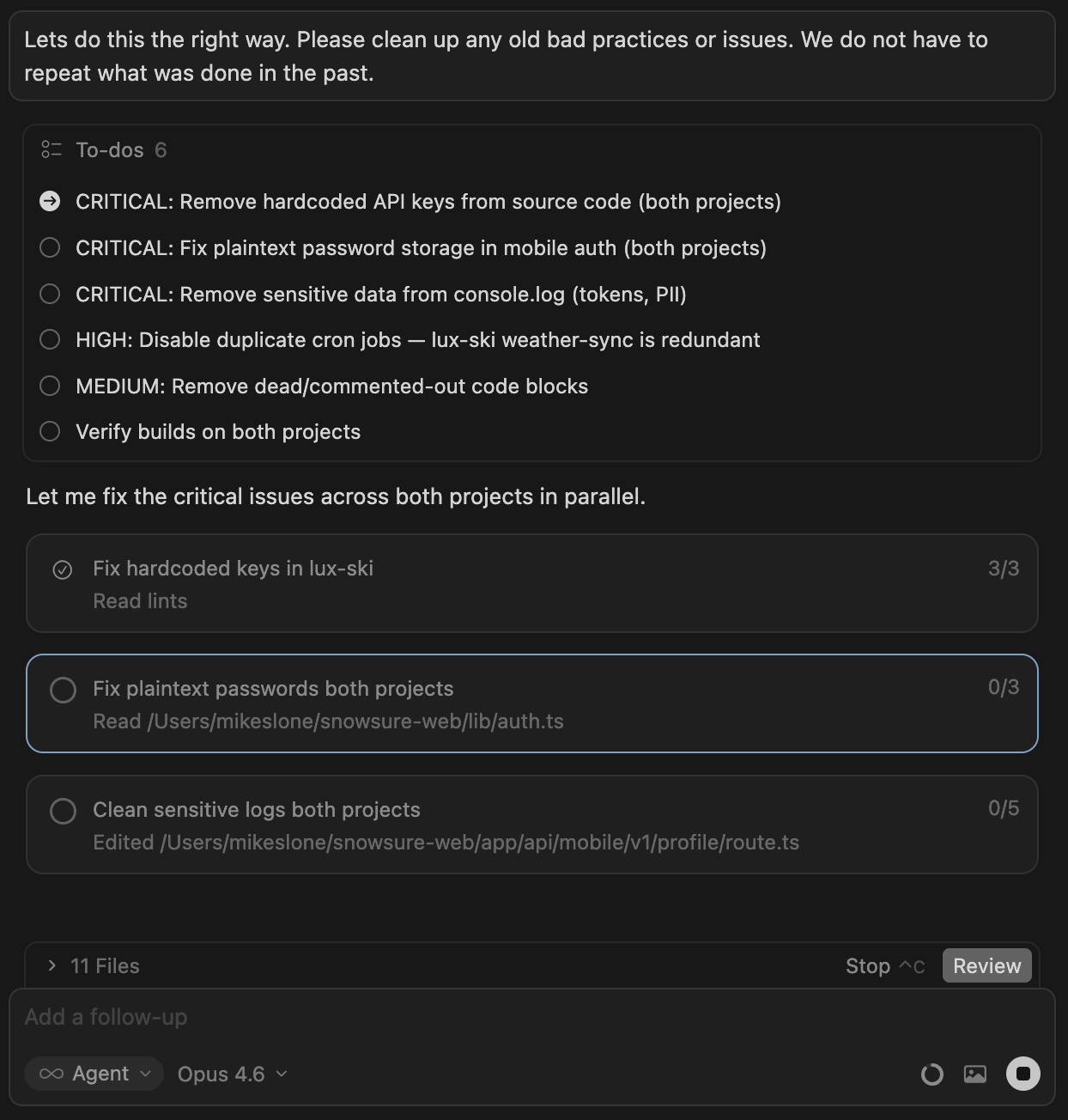
This was the most important lesson of my 90-day sprint. At first, I only built things I thought I could understand. But eventually, I realized Cursor didn’t have my limitations.
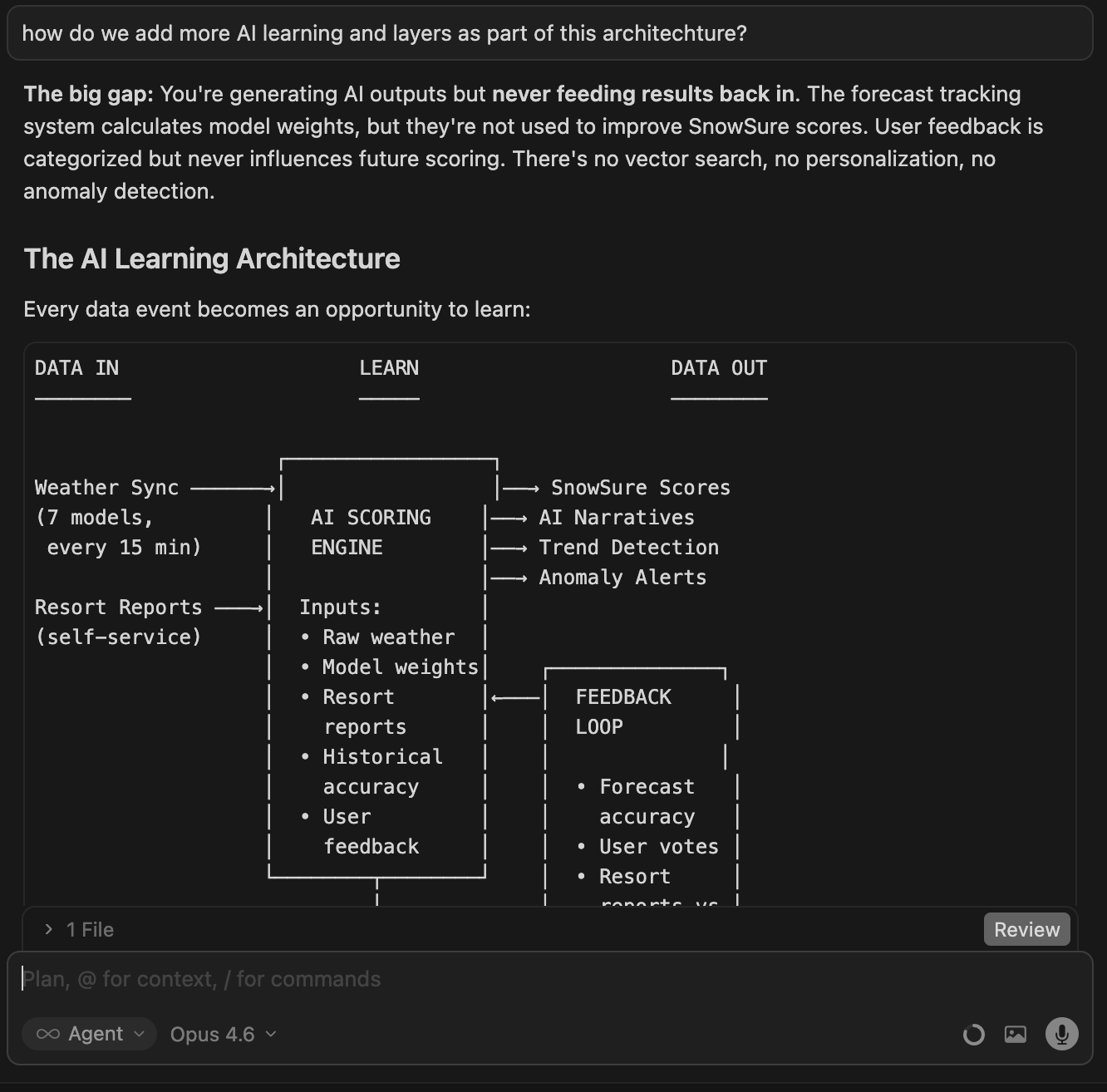
My Learning: I stopped asking “Can I build this?” and started asking “What needs to be built?” I tackled complex features—like real-time notifications and interactive maps—that I had no idea how to code. I just described the logic of what I wanted to happen, and let the AI handle the syntax.
What Will You Build?

We are living in a moment where the barrier to creation has never been lower. You don’t need years of school. You don’t need to memorize textbooks. You just need an idea and the persistence to iterate.
What started as a simple goal—to build a website without writing any code—quickly evolved. When I finished my first site in just a weekend, I realized that the line between “non-technical person” and “builder” is much thinner than I ever imagined. The real difference is simply being willing to start.
So, open a new window. Type in your first prompt. And ask yourself: What will you build?